Equipment Needed For Musiah Piano Lessons
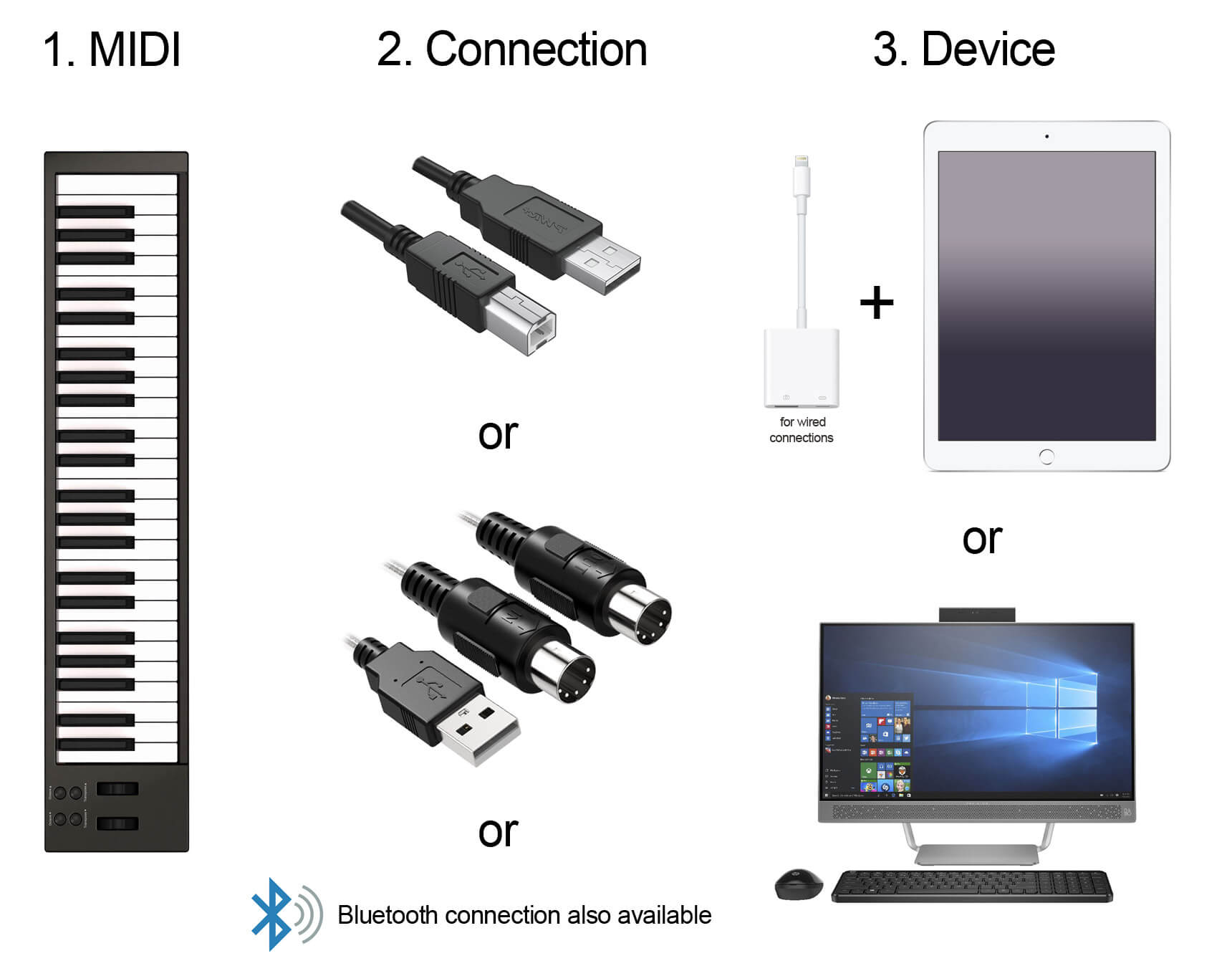
This page explains the equipment you'll need for your Musiah piano lessons.
1. MIDI Keyboard / Digital Piano
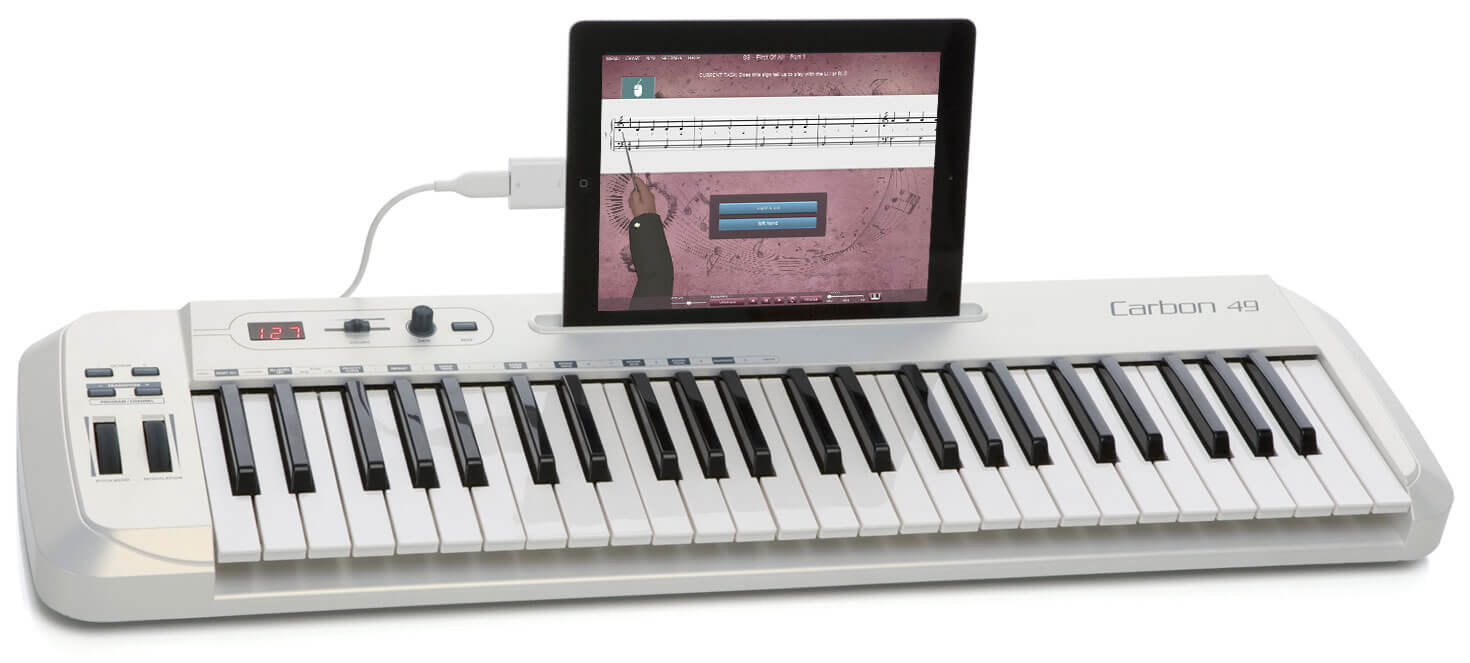
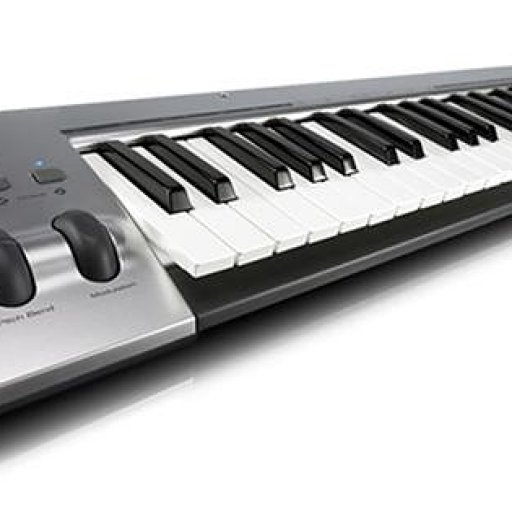
As a guide, any MIDI keyboard / digital piano with at least 49 keys that has either a USB port or MIDI in / out ports (which mean it can be connected to a computer or iPad) is suitable for use with Musiah.
What if I don't have a MIDI keyboard?
As a temporary measure for those starting beginner piano lessons for adults or kids...
- PC / Mac users can use the 'computer piano' in the Musiah app which enables you to play piano notes on a computer keyboard.
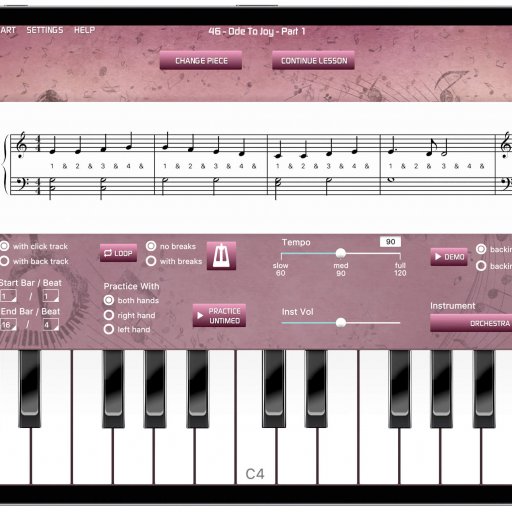
- iPad users can use the On-Screen Keyboard in the Musiah app.
What if my MIDI keyboard has less than 49 keys?
With as little as 25 keys (2 octaves), you can do the first two levels (34 lessons). After that, the note ranges in the songs start to require more than two octaves – but by then, you will know whether piano lessons with Musiah — the world's first AI piano teacher are for you and can consider buying a MIDI keyboard with at least 49 keys if you wish to continue.
Learn more about MIDI keyboards
2. Connection (cable or Bluetooth)
Connect your MIDI keyboard to your computer / iPad using one these 3 methods:
USB 2.0 cable
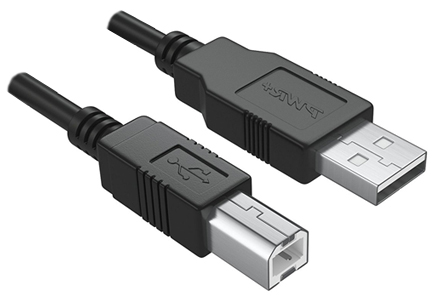
If your MIDI keyboard has a USB-to-Host port, this is one of the easiest and most reliable ways to connect. Simply plug the 'square' end of a USB 2.0 cable into the USB-to-Host port on your keyboard and connect the other end to
- a USB port on your computer or
- the USB port on an iPad camera kit, a lightning to USB camera adapter or lightning to USB 3 camera adapter – learn more about iPad adapters
MIDI-to-USB cable
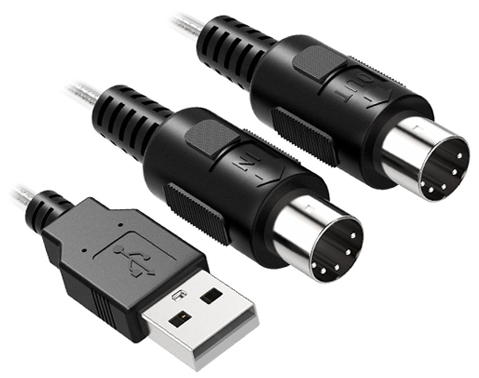
If your MIDI keyboard does not have a USB-to-Host port, but does have the older style MIDI in / out ports, you can use a MIDI-to-USB cable. Connect the MIDI plugs to the MIDI in / out ports on your keyboard and the other end into
- a USB port on your computer or
- the USB port on an iPad camera kit, a lightning to USB camera adapter or lightning to USB 3 camera adapter – learn more about iPad adapters
Bluetooth (Mac or iPad only)
iPad users: if your MIDI keyboard has Bluetooth as a feature on your instrument, all you have to do is turn 'ON' Bluetooth on your MIDI instrument and then turn on the MIDI connection in the Musiah software on your iPad.
If you have a 'standard' (non-Bluetooth MIDI keyboard), there are now affordable Bluetooth adapters available such as the Yamaha MD-BT01 and UD-BT01.
Learn more about Bluetooth adapters
Mac users: learn more about Bluetooth MIDI connections for Mac
3. Device (Computer or iPad)
To use Musiah, the minimum system requirements are:
Computer (PC / Mac)
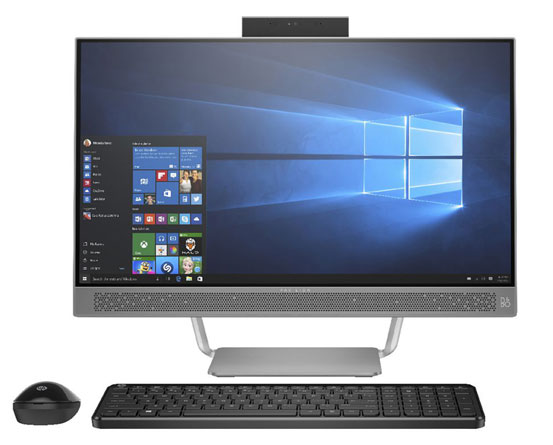
Operating System: Win 11, 10, 8, 7, Vista / Mac OS 10.13 or above
Processor: Dual-core processor or better
Memory: 2 GB RAM
Graphics Memory: 128MB
Storage: 5 GB available hard disk space
iPad
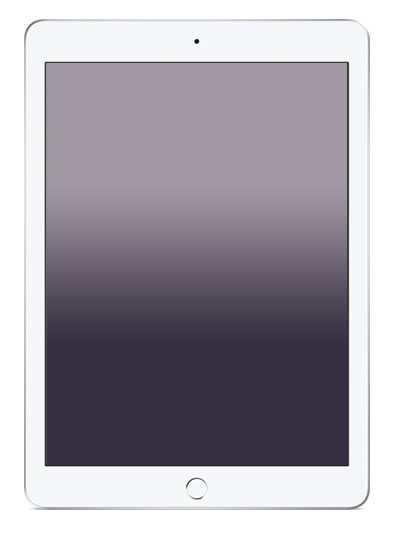
Operating System: iOS 12 or better
Notes
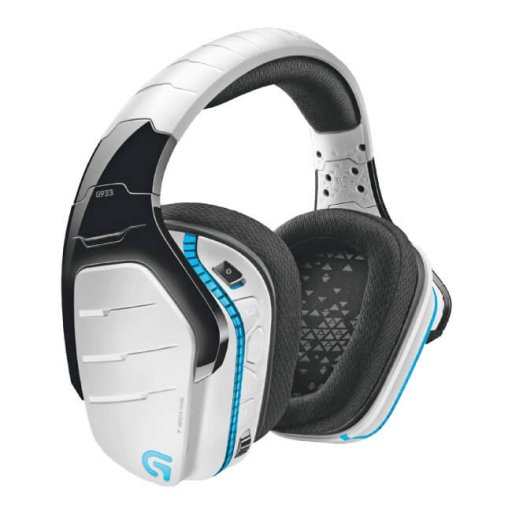
- Bluetooth headphones are not recommended for use with Musiah as they lead to latency.
- For computer users, we recommend using a mouse. Laptop tracking pads are not suitable.
- Windows laptops may require higher specifications.
- Musiah software is not suitable for use on Microsoft Surface running Windows RT.
Ready To Start?
Take our Online Piano Lessons 14 Day Free Trial.
Or if you have a question about any aspect of equipment needed, please contact us directly.